An app, a service, or a system
Software@BuildableWorks/software
Frames for architecture, audience, criteria, and market, and specs grouped by domain.
- Frames
- Specs
Free for macOS, Windows, and Linux
Eidos gives every part of your project its own page: a character, a feature, an episode. A board, a canvas, comments, and your AI agent all work from those pages, kept as plain files in a folder you own.
Made foran appa novel seriesa worlda gamea channela coursea businessa renovation
Free forever, no account needed. Viewing, commenting, and agents are free online too.
app downloadsnpm downloads last week


How it works
Write it down once, and everyone works from the same page, your AI agent included.
Choose the one closest to your work: software, a book, a course, a channel. It sets the kinds of pages you keep, a template for each, and the fields they carry. Change it whenever it stops fitting.
A character, a feature, an episode: each is one markdown page saying what it is and why. Its id never changes, so links survive a rename, and the health check flags any page that’s missing something.
Sketch on the canvas, plan on the board, comment, and ask your agent. Everything links back to the same page, so nothing falls out of date.
Built in
A canvas, a backlog, comments, git, and your own AI agent, in one free app. Each links to the page it’s about. Switch one off and your files stay as they were.
Claude Code, Codex, or the agent you already use, beside every page, with what you have open as context. Use /grill to poke holes in a draft, /task to turn a decision into a task, and add commands of your own for the team.
Explore AI Agent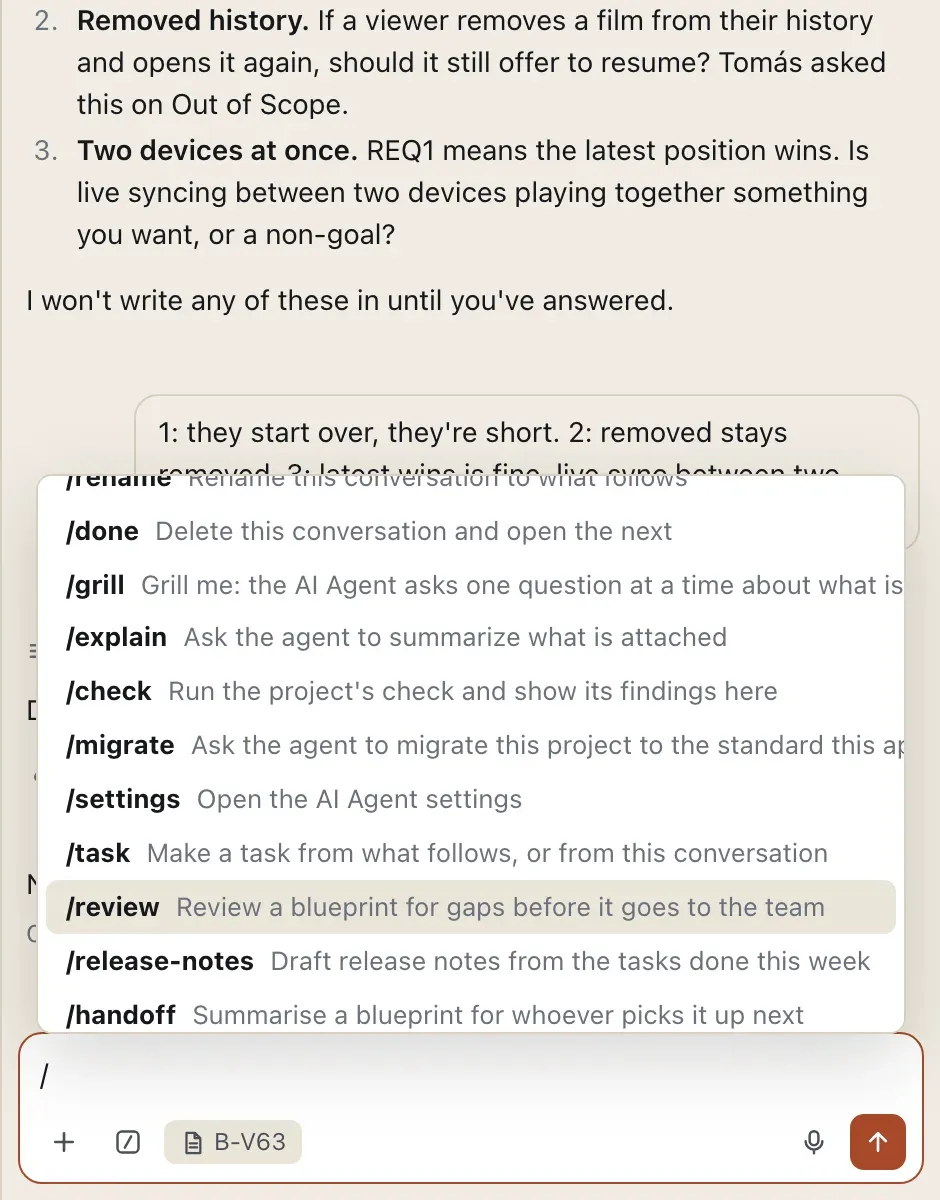
A real board made of markdown: task types, subtasks, checklists, and your own statuses. Every task links to the blueprint it’s for. When the work ships, the task closes and the blueprint stays as the record.
Explore Backlog
Blueprints drawn live from their files, with groups, labelled arrows, sticky notes, and sketches you turn into blueprints when they’re ready.
Explore Canvas
Threads on a section, with reactions and @mentions, from people and agents. They’re saved in the file, so every reader and every diff sees them.
Explore Comments
Every blueprint’s history and diffs, commit and publish in a click, and auto save with commit messages your agent writes.
Explore Git
Where Eidos fits
Each does its own job well. None keeps an up-to-date description of what you’re making in your own files. Eidos does that one thing, and works alongside the rest.
What you are making, kept up to date.
Other apps have a canvas, a board, or an agent panel. What Eidos adds is underneath: every part of your project is its own markdown file, checked against templates you chose, with tasks that link to it. All in one free, local app.
Frameworks
A framework is the shape of your files: the kinds of pages, their templates, and their fields. Install one whole, take a single collection from it, or make and publish your own.
An app, a service, or a system
Frames for architecture, audience, criteria, and market, and specs grouped by domain.
A book, a long argument, or a course
Frames for premise, reader, voice, and market, and chapters grouped by part.
A video channel, a podcast, or a stream
Videos and posts by series, pages, a content calendar, a brand kit, and a rate card.
A fictional world, for a series or a table
Places by region, factions, characters, arcs by campaign, a history, and a player role that sees only what is revealed.
Eidos for…
Each starts from your problem and shows the framework and plugins that fit your work.
Human-first
A plan can only check the work if it comes from somewhere else. Let an agent write both, and everything agrees while nobody decided anything.
So the intent, the scope, and the decisions stay with a person. Your agent reads the files, asks where you were vague, and pushes hardest on scope. Eidos never writes a blueprint for you, and the agent works only when you ask.
A blueprint nobody thought through is worse than none.
Help me tighten the Out of Scope before Tomás starts on it.
Before I add anything, three questions, because each one changes what the spec promises:
I won’t write any of these in until you’ve answered.
Free, local, yours
No account, no subscription, no trial. Online, viewers, commenters, and agents are free.
See what’s free and what’s paidThe desktop app, the CLI, and every plugin are free for personal and commercial work. Nothing is a trial.
Blueprints are plain markdown in your repo, written to EIDOS.md, an open standard under Apache-2.0. Eidos MD is what sits on top, and your files never depend on it.
A project is a folder on your machine, and nothing leaves it unless you put it online. The AI is the agent you already run. The app sends only anonymous usage reports, and one switch turns them off.
Online, you and two other editors work free, with 1 GB. Past that, a seat is $4.99 a month per editor and covers every project they’re invited to.
Questions
No. The same app plans a novel series, a world, a channel, a course, a business, or a renovation. Each kind of project starts from its own framework, with the page types and templates that work needs.
The app, the CLI, and every plugin are free, with no account. Online, viewers, commenters, and agents are free, and you plus two editors edit free. Past that, a seat is $4.99 a month per editor (pricing). Eidos has no AI of its own: it runs Claude Code, Codex, or the agent you already use, only when you ask.
On your computer, in a folder you choose, as plain markdown. Nothing you write is uploaded unless you put a project online, and then it stays a plain folder on your machine too. How Eidos handles your data.
No. A project is a folder of markdown files, and the app saves as you go. If you use git, Eidos shows each page’s history and commits, pulls, and publishes in a click.
Yes. Put a project online and invite them. Viewers and commenters are free and see changes live in the desktop app. Pages are also plain markdown, readable on GitHub or GitLab. There’s no browser view of a project yet.
Yes, through the Jira plugin. It brings a Jira Cloud board into the Backlog, issues as tasks and comments as threads, and sends your changes back one ticket at a time.
Your work stays exactly where it is. Pages are plain markdown written to an open standard, so any editor, agent, or other tool reads them, with nothing to export.
εἶδος eidos, from the Greek: the form or essence of a thing.
Download Eidos MD, open a folder, and start from the framework closest to your work. You can reshape it all later.
macOS (Apple Silicon and Intel) · Windows 10 and 11 · Linux (AppImage and deb)
curl -fsSL https://eidosmd.com/install | sh