Git, for people who never open a terminal.
See what changed in any blueprint and who changed it, then commit and publish in a click. It’s the git repository you already have. There’s no Eidos server and no copy of your files, so developers review the same commits in the same pull request as the code.
Free for macOS, Windows, and Linux. No account, no subscription.

History
Every blueprint remembers
File history sits beside the open blueprint: every commit that touched it, newest first, with who and when. Diff compares that version with the file now, side by side or inline, and folds away the unchanged lines.
- Follows a blueprint through renames
- Side by side or inline, changed words marked
- Or open diffs in your own tool, such as
code --diff

Auto save
Write all afternoon, committed as you go
Turn on Auto save and your changes are committed every 5, 15, 30, or 60 minutes, with your agent’s summary as the message. Switch on Publish to push them too. Auto fetch keeps the count of commits to pull current, so you know when a teammate has been in.
- Your machine only, never turned on for a teammate
- Never pushes over commits you haven’t pulled
- A file list as the message when no agent answers

From the chat
Ask your agent to commit
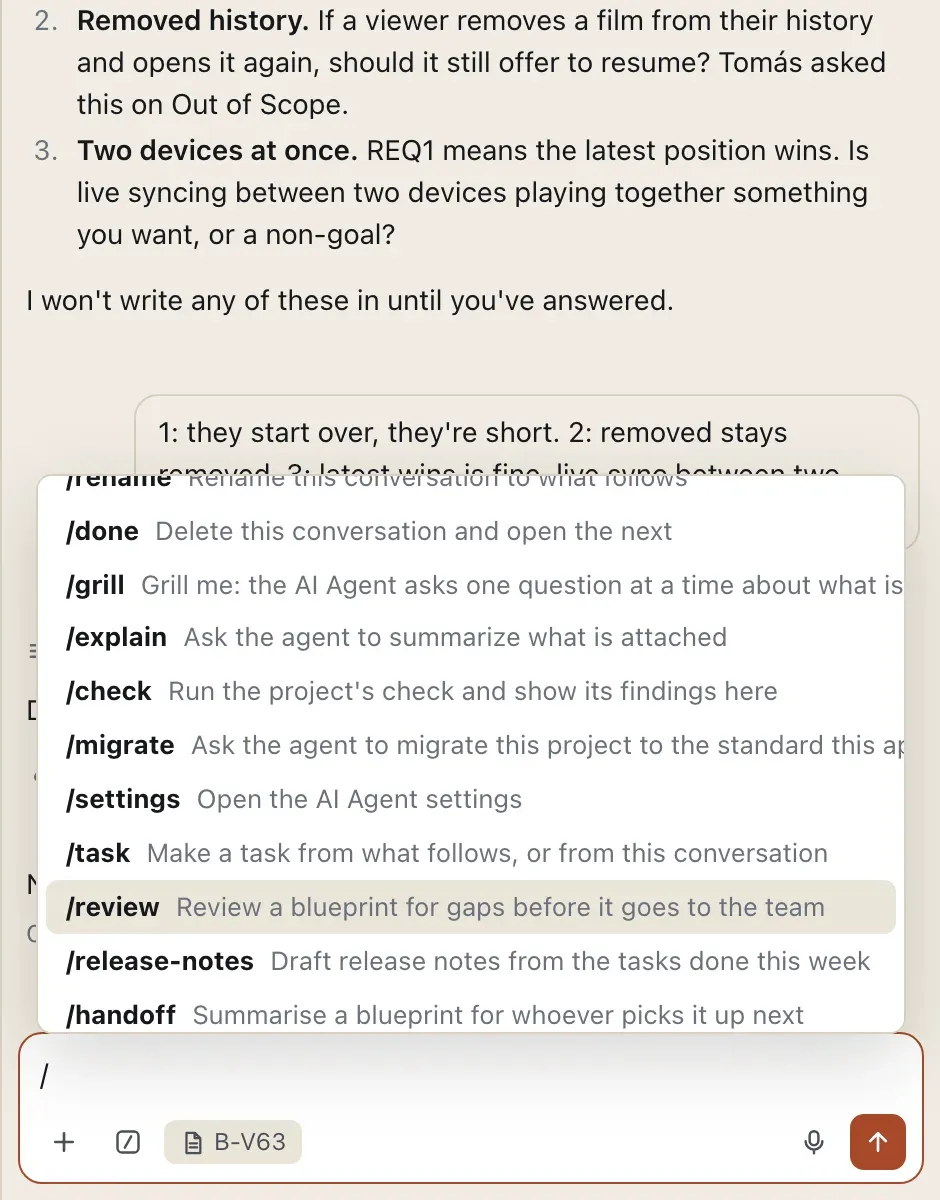
With the AI Agent on, /git-commit has your agent commit what changed, in the style of your recent commits, and tell you what it did. Anything you type after the command steers it. /git-publish and /git-fetch run right away, without the agent.
Versions
Name the version of what you shipped
Record a version names a commit (1.0, Beta, Book one) and can tag it, so everyone can find “the spec as we shipped it”. The page lists each version with its commit, date, and tag. If a tag has moved or gone missing, it says so and offers a fix.

Source control
Commit, fetch, pull, and publish
Source control lists what changed, each file ticked. Write a message and Commit, and only the ticked files go in. Fetch counts the commits waiting on the remote, Pull brings them in, and Publish pushes yours.
- Summarize asks your AI Agent for the message
- Discard a change from its row, after a confirmation
- Git’s errors shown as git wrote them
Renames and deletes that keep their history
Renaming or deleting a file, from the page or with eidos, is a git mv or git rm. The history follows the file, and git can bring back anything removed.
How it connects
One repository holds all of it.
Blueprints, tasks, canvases, and threads are plain files, so one commit carries a change and everything it touched.
- AI Agent
Summarize and auto save ask your agent for the message, and
/git-commithas it commit for you. - Comments
A comment from someone not acting as a listed user is signed with their git identity.
- Backlog
Tasks are markdown files, committed and reviewed with the blueprints they serve.
- Assets
Renaming an asset is a
git mv, and an unlinked image that was cleaned up can be restored from history. - Blueprints
The health check warns when a recorded version and the repository’s tags disagree.
From the shell
Versions, from a terminal
Read the repository with git itself. Eidos adds eidos git version for versions and their tags.
$ eidos git version record 1.0 --commit 7636e6e --tag
✓ 1.0 → 7636e6edb20e  tagged blueprints/1.0
$ eidos git version
1.1  3a012df73c67  2026-10-07  blueprints/1.1
1.0  7636e6edb20e  2026-10-07  blueprints/1.0
$ git log --oneline --follow -- specs/playback/resume-playback.md
c21fb91 Show the resume flow in the spec
3a012df Attach the profile picker and TV sign-in code, add watchlist edge cases, stamp dates on save
0c6d6c3 Attach the resume flow and the TV prompt
…Write down what you’re making.
Download Eidos MD, open a folder, and start from the framework closest to your work. You can reshape it all later.
Free for macOS, Windows, and Linux. Your files stay plain text in a folder you own.